Shopify POS: how to sell in store and online from one place
What Shopify POS is, how it works and its benefits for connecting your physical store and website. Clearly explained, with official Shopify sources.
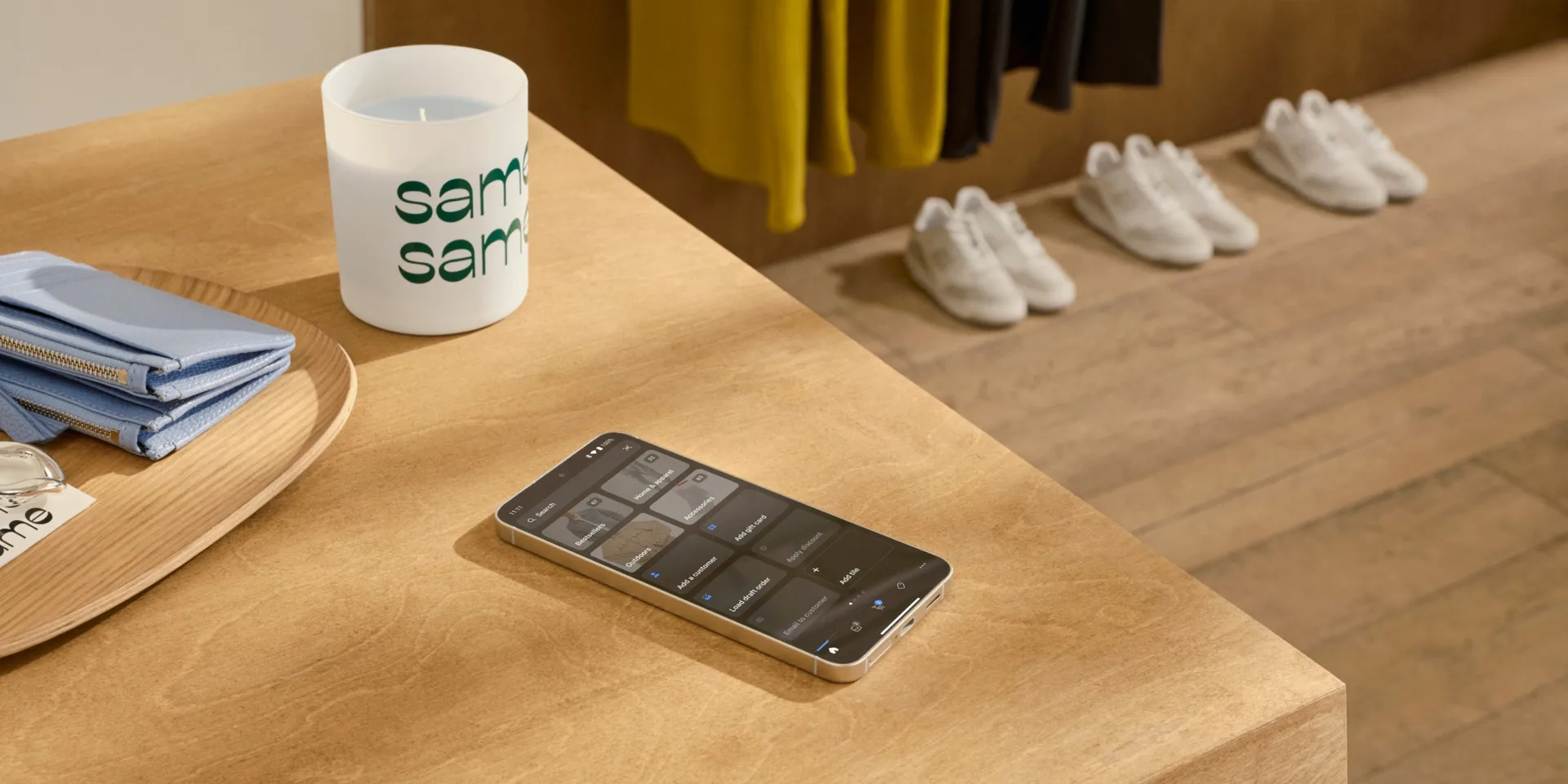
If you have an online store and also sell in person, in a shop, at a fair or a market, you probably know the problem: website stock says one thing and in-store stock says another. Shopify POS exists so everything lives in one place.
In this guide we explain what it is, how it works day to day and its benefits, clearly, so you can decide whether it fits your business.
What Shopify POS is
POS stands for point of sale: the system you use to charge a customer standing in front of you. Shopify POS is Shopify's app and payment hardware for selling in person, connected to the same store you already use online. According to Shopify, it works for a single store, multiple stores or selling on the go, such as pop-ups and markets.
Put simply: your online store and your physical store share products, stock, customers and orders. When you sell something at the counter, your website knows right away.

How it works day to day
- Open the Shopify POS app on a phone or tablet.
- Search for the product or scan its barcode.
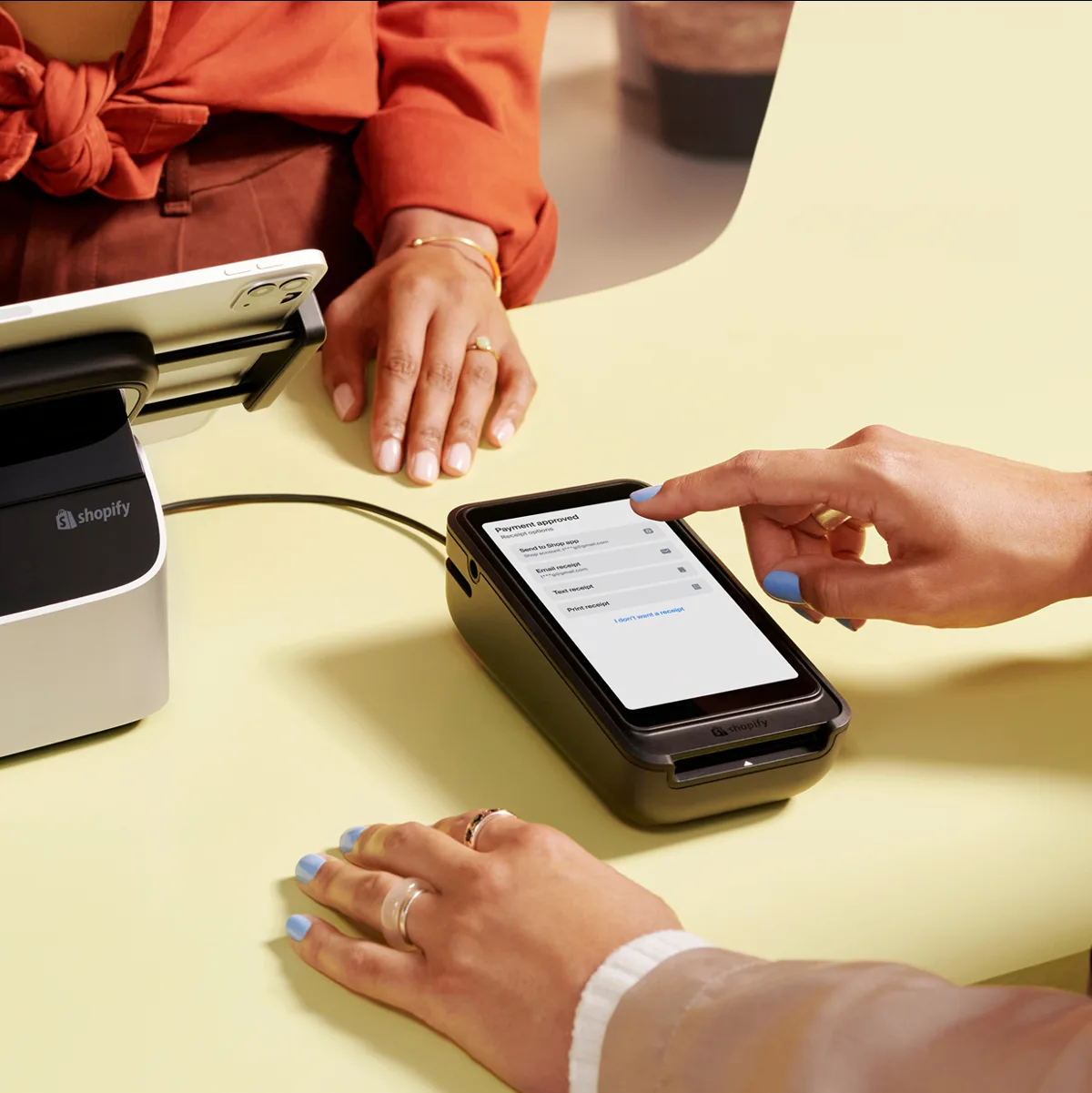
- The customer pays by card, phone or cash, with a card reader or, on compatible devices, by tapping the card on the phone itself.
- Stock updates automatically, in store and online.
- The sale, customer and order are saved in your Shopify admin.
Main benefits
One single inventory. Store and website share the same stock, so you never sell online something that already sold in the shop, or the other way round.
Know your customers better. In-store purchases are saved in each customer's profile alongside their online orders, so you can serve them better and send more personal communications.
Faster end-of-day closing. Sales, payments and stock are recorded automatically, with no copying data between systems.
Buy online, pick up in store. Customers can buy on your website and collect in the shop, or buy in store and get it delivered at home.
More control over your team. You decide what each employee can do, such as applying discounts or handling returns.
All your reports in one place. See which products sell best and when you are busiest, combining your physical store and website.

Who it makes sense for
- Online brands opening a physical store or running pop-ups.
- Physical stores that want to start selling online without duplicating work.
- Businesses selling at fairs, markets or events.
- Brands with several stores that need to see all stock together.

What you need and what it costs
To start you need a Shopify store, the Shopify POS app and, if you want to take cards comfortably, a card reader. Shopify includes a basic version of POS in its plans and offers POS Pro as a paid option for stores with bigger needs, such as more staff permissions or advanced inventory management. Prices, fees and hardware vary by country, so check the official pricing page and the hardware page.
We are already testing it with clients
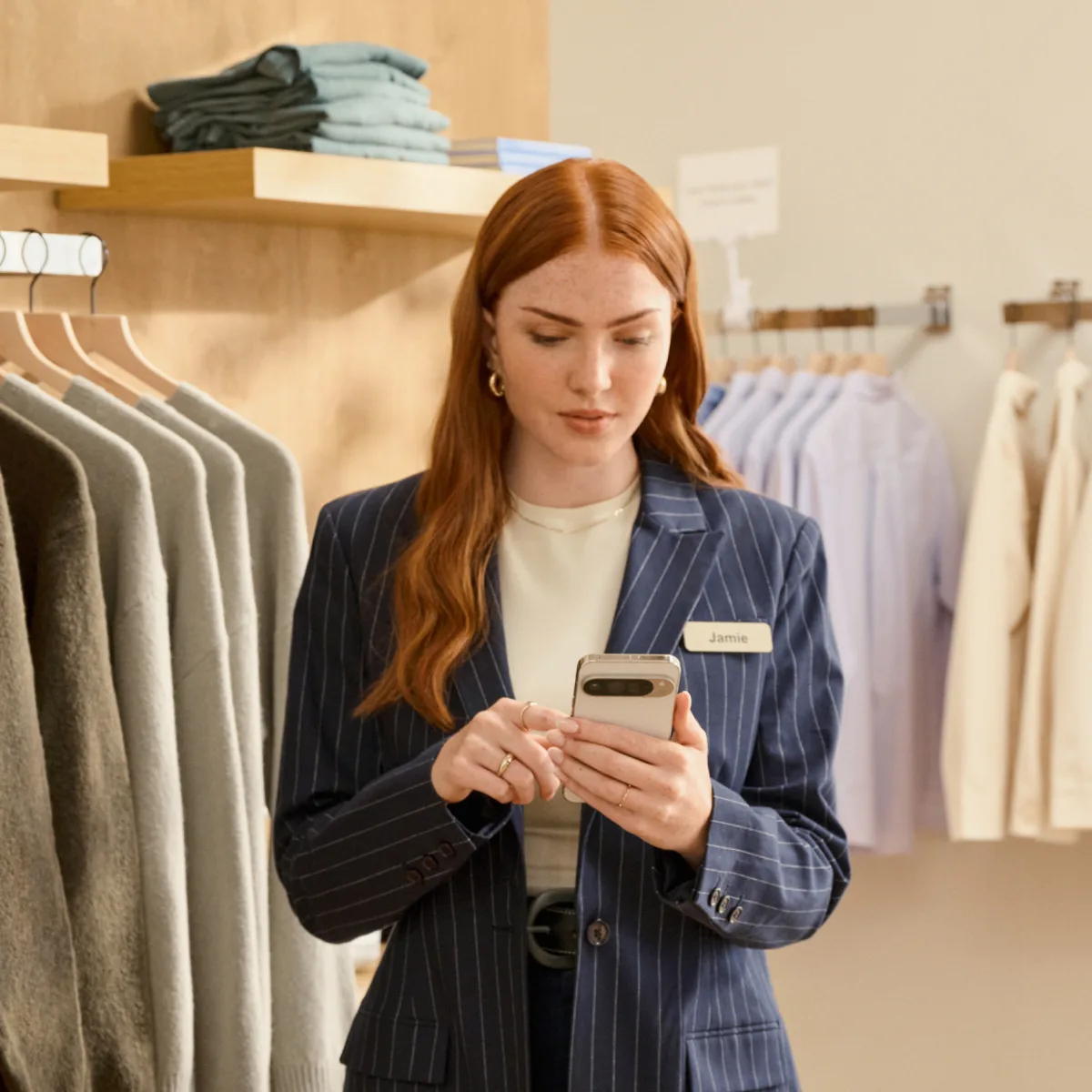
At Teipe we are already rolling out Shopify POS with clients who sell online and in person. We help them prepare their catalog and stock, set up the app and payments, organize staff permissions and connect in-store sales with the website, so the change is simple and does not slow down daily work.
As a Shopify Partner, the Teipe team attended a personalised Shopify session on POS, which lets us support each business with first-hand knowledge.
Official sources
Shopify POS: official page with the point of sale features.
Shopify pricing: current plans and what each one includes.
Shopify POS hardware: card readers and available accessories.
Shopify Help Center: official guide to selling in person.
Want to sell in store and online from one place?
Tell us how you sell today and we will explain whether Shopify POS fits your business and how to get it running.
Talk to Teipe →Want to sell more online? We'll run a free diagnosis of your ecommerce
Get my diagnosisReady to grow your brand?
We review your ecommerce and identify opportunities to grow with Shopify.
Let's talk →Learn more about our service: Ecommerce build
You may also like
Shopify and Grok: a practical guide to running your ecommerce with AI

9 benefits of social media for your business